What Is Site Search Optimization?
Why Site Search Optimization Matters
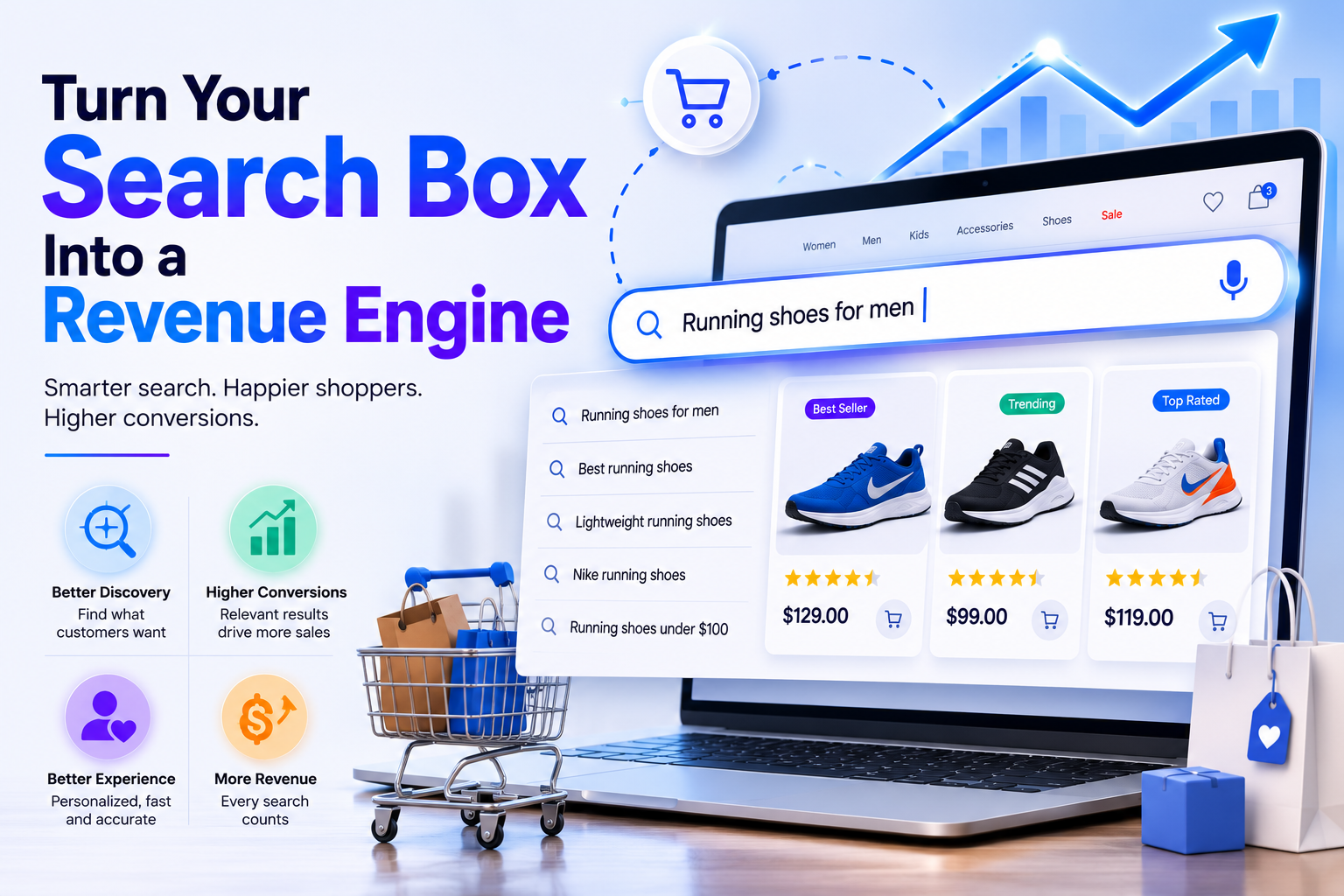
The business case is unusually clean. Search users are your highest-intent visitors — they’ve told you what they want in their own words — and they convert at a multiple of browse-only sessions. Yet industry benchmarks put average zero-results rates around 31%, and low-relevance results quietly lose sessions that analytics rarely flag. Site search optimization monetizes traffic you already paid for: every point of zero-results recovered, every ranking fix on a high-volume query, and every second shaved off response time converts existing visitors at a higher rate. Few projects in ecommerce offer comparable ROI with comparable certainty, which is why search-led programs anchor our broader conversion rate optimization playbook.
AI Search Grader by bCloud AI
Grade your ecommerce search in 10 quick questions
31% of ecommerce searches return zero results — and most shoppers who hit a dead end leave for a competitor. How does your store's search stack up?
Answer 10 short questions and get your AI search score, plus a personalized report to fix the gaps. Free, takes about 2 minutes.
No signup needed to take the quiz.
Understanding intent…
Scoring your answers across relevance, AI, experience, and insights.
Your AI search score is ready
Tell us where to send your personalized report. You'll see your score and recommendations right away.
Your score by pillar
Personalized recommendations
Fix the gaps in weeks, not quarters
bCloud AI replaces keyword-only search with hybrid AI retrieval — sub-200ms responses, 99.99% uptime, and conversion lifts of up to 40% across 50+ implementations.
The 9 Proven Site Search Optimization Steps
| # | Step | Why it’s in this order |
|---|---|---|
| 1 | Baseline with analytics | You can’t improve what you haven’t measured |
| 2 | Fix catalog data | Every other layer is capped by data quality |
| 3 | Upgrade query handling | Recover the searches that currently fail |
| 4 | Kill zero-results | Highest-intent sessions, fastest recovery |
| 5 | Tune relevance & ranking | The first screenful decides most sessions |
| 6 | Fix the UX & speed | Friction erases relevance gains |
| 7 | Personalize results | The right screenful per shopper |
| 8 | Merchandise deliberately | Business priorities without fighting the AI |
| 9 | Run the weekly loop | Turns steps 1–8 into compounding gains |
Step 1: Baseline With Search Analytics
Start by measuring, not changing. Pull thirty days of search analytics: search usage rate, search-vs-browse conversion, zero-results rate, top 50 queries, top 50 failing or under-converting queries, and everything segmented by device. This baseline does two jobs — it points the whole program at the biggest leaks first, and it’s the before-picture that proves every later improvement in revenue terms.
Step 2: Fix the Catalog Data
Search can only match what the data supports. Incomplete attributes break filters, thin titles miss obvious queries, and inconsistent categorization scatters equivalent products. Normalize attributes, complete specifications, standardize categories, and clean titles — with AI-driven catalog enrichment compressing months of manual work into days. Every downstream step in site search optimization performs better on clean data, which is why this comes second even though teams are always tempted to skip to ranking.
Step 3: Upgrade Query Handling
Real shopper queries are messy — typos, synonyms, descriptive phrasing, attribute-stuffed requests. The query layer that interprets them (spell correction, synonyms, expansion, relaxation, intent classification, AI rewriting) deserves its own deep dive, which is exactly what our companion guide to search query optimization provides. At the program level, the point is sequencing: query-side fixes recover whole classes of failing searches at once, so they land before ranking work.
Step 4: Kill Zero-Results
Every zero-results page is a high-intent shopper hitting a wall. Semantic matching, typo tolerance, relaxation, and graceful fallbacks (similar items, category suggestions — never a blank page) can collapse a 30% failure rate to single digits. The full recovery playbook lives in our zero results search guide; inside this program, treat the top failing queries from step 1 as a prioritized punch list.
Step 5: Tune Relevance and Ranking
With data clean and queries understood, ranking decides the outcome — and the first screenful decides most sessions, especially on mobile where two to four products are all a shopper sees. Modern relevance blends semantic similarity, keyword precision, behavioral signals, and business rules; tuning means reviewing deep-scroll and low-click queries from analytics, adjusting weights and rules, and A/B testing changes rather than trusting instinct. Hybrid AI ranking from platforms like NeuralSearch handles the heavy lifting; your job is steering it with data.
Step 6: Fix the UX and Speed
Relevance gains evaporate behind a hidden search bar, weak autocomplete, or a sluggish results page. Make search prominent (especially the mobile experience, where most searches happen), invest in thumbnail-rich autocomplete, keep filters usable, and hold the whole loop under a second on real devices — sub-200ms responses are the modern bar. The design detail lives in our search UX guide; independent research from the Baymard Institute consistently shows how much of ecommerce search failure is experience failure, not engine failure.
Steps 7–8: Personalize and Merchandise
Personalization makes the first screenful the right screenful per shopper — the single biggest relevance multiplier once fundamentals are in place — while merchandising lets business priorities (seasonal pushes, margin, inventory) shape results without fighting the algorithm. Run both on the same engine as search so signals stay unified, and measure lift per placement the same way you measure ranking changes.
Step 9: Run the Weekly Loop
Site search optimization compounds only if it’s a rhythm. Weekly: review the top failing and under-converting queries, assign each a cause (data, query handling, ranking, assortment), ship the fixes, and check last week’s fixes moved the numbers. Monthly: review trends — rising query classes, seasonal shifts, device gaps — and feed demand signals to merchandising and buying. The teams that run this loop don’t just fix search; they turn the search box into the best market-research tool the business owns.
Site Search Optimization vs. Site Search SEO
A naming collision worth untangling: some teams say “site search SEO” meaning this program — optimizing the internal search experience — while others mean the Google-facing question of how search pages interact with organic SEO. Both matter. For the second: keep internal search result URLs out of Google’s index (crawlable search-results pages waste crawl budget and create thin duplicates), while making sure the category and product pages shoppers land on are fully indexable. The Google-facing foundations live in our search-engine-friendly ecommerce guide; the experience-and-conversion side is this page — and the discipline that unites the external and internal journey is covered in our SXO guide.
Common Site Search Optimization Mistakes
The recurring failures: jumping straight to ranking tweaks on top of dirty data. Treating optimization as a launch-week task instead of a weekly rhythm. Reading blended metrics that hide mobile failures behind desktop averages. Fixing failed queries one at a time instead of the class they represent. Letting merchandising rules pile up until they smother AI relevance. Ignoring speed because it “feels fine” on office Wi-Fi. And running the program without a baseline, so nobody can prove — or get credit for — the revenue it recovered. Every one is avoidable with the nine-step order above.
How bCloud AI Powers Site Search Optimization
bCloud AI compresses this whole program into one platform. AI data enrichment handles step 2 during onboarding; NeuralSearch’s query layer and hybrid retrieval cover steps 3–5 with sub-200ms performance; real-time personalization and merchandising controls handle steps 7–8 on the same engine; and built-in analytics run the measurement loop with revenue attribution, failing-query lists, and device segmentation out of the box. Retailers switching from keyword-only setups to this stack report conversion lifts of up to 40% — the compounding payoff of running all nine steps on one system. To compare platforms, see the best ecommerce search engines for 2026.
How Site Search Optimization Improves Ecommerce Conversions
Effective site search optimization turns shopper queries into a clearer path toward relevant products and purchase decisions. When search understands natural language, handles typos and synonyms, surfaces the most relevant products, and responds quickly, shoppers spend less time refining searches and more time evaluating products. Combining clean catalog data, semantic relevance, personalized ranking, useful filters, and strong search analytics helps ecommerce teams identify and remove the friction that causes shoppers to abandon results. The result is a more efficient search experience that improves product discovery, increases shopper confidence, and creates more opportunities to convert high-intent search traffic into revenue.
Site Search Optimization Checklist
Optimizing search isn’t a one-time project. Use this checklist to evaluate whether your ecommerce search experience is ready to deliver fast, relevant, and conversion-focused results.
✔ Technical Foundation
- Search analytics are monitored regularly.
- Product catalog is clean and enriched.
- Search responds in under one second.
- Zero-result pages provide alternatives.
✔ Search Experience
- Autocomplete helps shoppers quickly.
- Typo tolerance and synonyms are enabled.
- Results are personalized where appropriate.
- Ranking reflects shopper intent.
✔ Continuous Improvement
- Search performance is reviewed weekly.
- High-volume queries are optimized first.
- A/B tests validate ranking changes.
- Business and merchandising goals stay aligned with AI.
Quick Assessment: If you can confidently check every item above, your site search strategy is built on a strong foundation. Any unchecked area represents an opportunity to improve search relevance, shopper satisfaction, and overall ecommerce conversion rates.
Frequently Asked Questions About Site Search Optimization
What is site search optimization?
Site search optimization is the ongoing program of improving onsite search across data quality, query handling, relevance, UX, speed, personalization, merchandising, and analytics — so more shoppers find, click, and buy. It’s a weekly rhythm, not a one-time setup.
Why is site search optimization important?
Search users convert at a multiple of browsers, yet average zero-results rates run around 31% and most stores never revisit their setup. Optimization monetizes traffic you already have, making it one of the highest-certainty ROI programs in ecommerce.
How do I optimize my site search?
Follow nine steps in order: baseline with analytics, fix catalog data, upgrade query handling, kill zero-results, tune relevance, fix UX and speed, personalize, merchandise deliberately, and run a weekly improvement loop. Sequencing matters — data before ranking, measurement before everything.
What are site search best practices?
Keep the search bar prominent, autocomplete rich, and responses under a second; enrich catalog data; correct typos and map synonyms; never show a blank zero-results page; personalize ranking; segment metrics by device; and review failing queries weekly.
What’s the difference between site search optimization and search query optimization?
Site search optimization is the whole improvement program across data, relevance, UX, speed, and analytics. Search query optimization is the query-side workstream inside it — interpreting and improving what shoppers type. This guide covers the program; the companion guide covers the query layer.
What is site search SEO?
The term is used two ways: optimizing the internal search experience (this program), and managing how search pages interact with Google — chiefly keeping internal results pages out of the index while keeping category and product pages fully crawlable. Both belong in a complete program.
How do I measure site search performance?
Track search usage rate, search-vs-browse conversion, zero-results rate, top failing queries, click-through and click depth, refinement and exit rates, and revenue per search session — segmented by device, against the baseline you set before optimizing.
How fast does site search optimization pay off?
Fast. Zero-results fixes and query-handling upgrades recover revenue within weeks because they act on high-intent sessions that were failing. Full-program deployments on AI-native platforms typically show measurable conversion lift within the first month, compounding as the weekly loop runs.
Make the Search You Have Actually Perform
Nine steps, one platform, compounding returns. Start for free or book a demo to see site search optimization running on your catalog and real queries.
Related resources: Ecommerce Site Search · Search Query Optimization · Ecommerce Search Analytics · Best Ecommerce Search Engines for 2026