What product findability actually measures
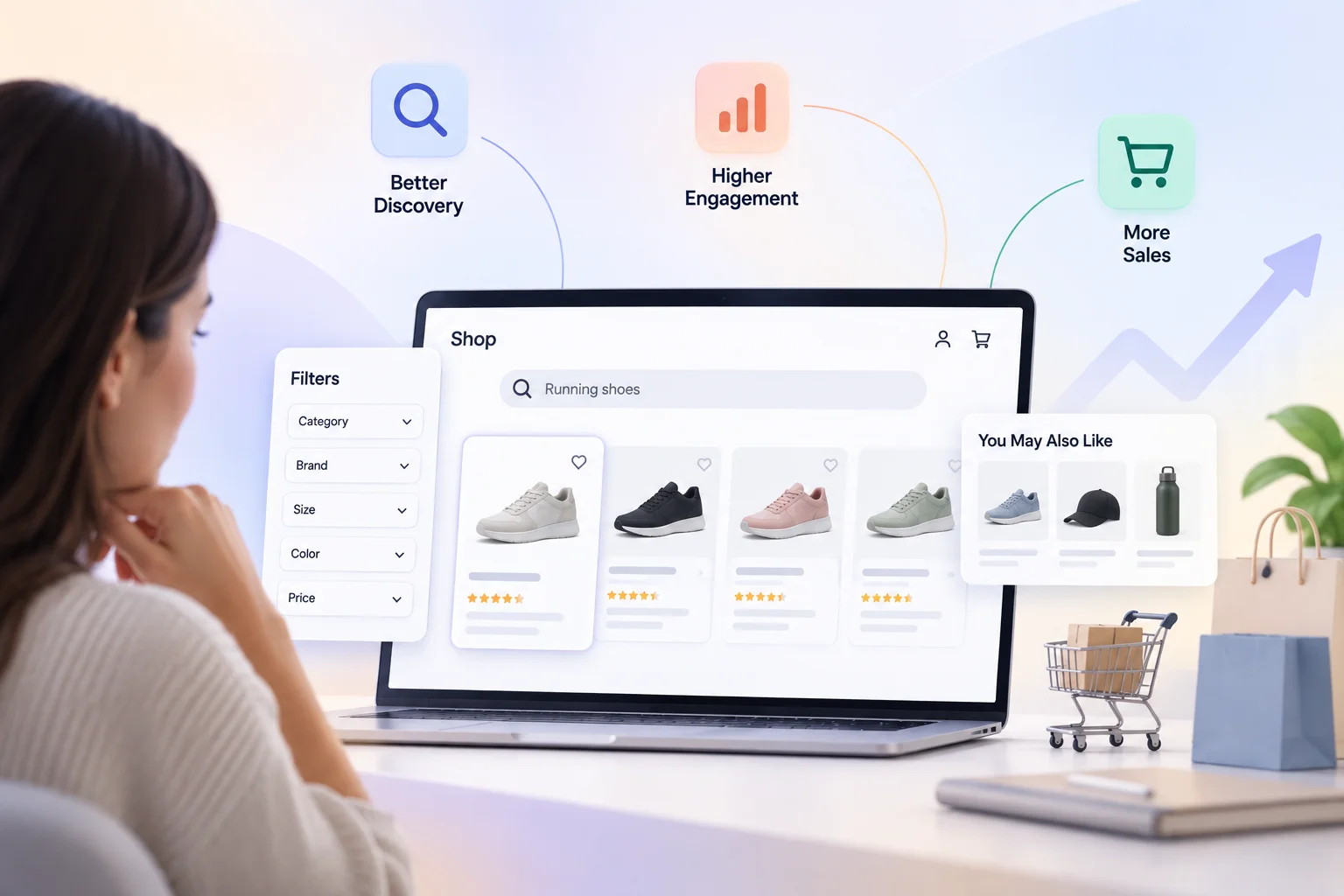
Three numbers measure it, and most teams track none of them:
Zero-result rate.
The share of searches returning nothing. Industry research commonly cites around 31% for the average store, and the cause is usually vocabulary mismatch rather than missing stock.
Findability rate by product.
What percentage of your catalog is reachable within three interactions from the homepage. Most retailers who measure this are startled — large portions of the catalog turn out to be effectively buried.
Search-to-product-page rate.
How often a search leads to someone actually viewing a product. Low rates mean results are appearing but not compelling.
Decades of Baymard Institute research consistently find that discovery failures concentrate in exactly these gaps, and that most stores never instrument them.
AI Search Grader by bCloud AI
Grade your ecommerce search in 10 quick questions
31% of ecommerce searches return zero results — and most shoppers who hit a dead end leave for a competitor. How does your store's search stack up?
Answer 10 short questions and get your AI search score, plus a personalized report to fix the gaps. Free, takes about 2 minutes.
No signup needed to take the quiz.
Understanding intent…
Scoring your answers across relevance, AI, experience, and insights.
Your AI search score is ready
Tell us where to send your personalized report. You'll see your score and recommendations right away.
Your score by pillar
Personalized recommendations
Fix the gaps in weeks, not quarters
bCloud AI replaces keyword-only search with hybrid AI retrieval — sub-200ms responses, 99.99% uptime, and conversion lifts of up to 40% across 50+ implementations.
Strategy 1: Mine your failed searches weekly
The highest-return product findability activity available, and it costs an hour.
Pull your top hundred queries that returned nothing or very few results. They sort themselves into four buckets: vocabulary gaps where shoppers use different words than your catalog, typos you should be tolerating, products you don’t carry but perhaps should, and products you do carry that search couldn’t surface.
The fourth bucket is pure recovered revenue. The third is a demand signal most merchandising teams never see. Our no-results guide covers the recovery mechanics, and ecommerce search analytics covers the reporting.
Do this weekly. New products, seasonal vocabulary, and shifting shopper language mean the list never stays fixed.
Strategy 2: Write descriptions for how people search
Product findability is capped by what your catalog expresses, and most descriptions are written for the wrong reader.
Supplier-supplied copy describes what a product is. Shoppers search for what it’s for. A jacket described as “3-layer laminate, 20K/20K rating, YKK zips” matches spec queries and nothing else. Add “keeps you dry on a rainy bike commute, packs into its own pocket, wears over a suit” and it becomes findable by the way people actually ask.
Three practical moves: add use-case language alongside specifications, include synonyms shoppers actually use in the description body rather than a hidden field, and complete the attributes you filter on — every missing attribute is a facet that silently excludes the product.
This is also the work that makes your catalog legible to AI assistants, as covered in our LLM product search guide. One investment, two channels.
Strategy 3: Merchandise the results page, not just the homepage
Homepage merchandising reaches browsers, but product findability is decided further down. Search results merchandising reaches buyers — and it gets a fraction of the attention.
Effective e-merchandising on results pages means pinning genuinely relevant products for high-value queries, boosting in-stock and higher-margin items within the relevant set rather than overriding relevance, burying discontinued and perpetually out-of-stock products, and scheduling campaign placements that expire automatically.
The discipline that keeps this from backfiring: boost within relevance, never across it. A merchandiser who pins an unrelated product to a query trains shoppers to distrust search, which costs more than the promotion earns.
Strategy 4: Treat category pages as findability surfaces
Most shoppers never use the search box, which means category ordering carries more discovery traffic than search does — and it’s frequently left at whatever default the platform ships.
Applying the same intelligence to browse that you apply to search is often the largest untapped gain in product findability. That means ordering by a blend of popularity, conversion rate, margin, and availability rather than by date added, adapting order to the individual shopper where you have signal, and surfacing subcategories intelligently rather than forcing shoppers through a fixed hierarchy.
Our product discovery guide covers the full surface map.
Strategy 5: Fix your facets
Filters are product findability infrastructure, not plumbing, and three failures are common.
Missing attribute coverage undermines product findability.
A “material” filter that’s populated on 40% of products isn’t a filter — it’s a way to hide 60% of your catalog. Either complete the data or remove the facet.
Facet order that ignores intent.
The most useful filter for a query should appear first. Size matters most in apparel, compatibility in parts, and a fixed order serves neither well.
No zero-result prevention.
Filters that lead to empty result sets are avoidable: show counts, disable combinations that yield nothing, and when a shopper does hit zero, offer to remove the most restrictive filter rather than leaving them stuck.
Strategy 6: Merchandise for the long tail deliberately
Popularity-driven ranking is self-reinforcing: bestsellers get shown, so they sell, so they get shown. Meanwhile most of your catalog stays invisible.
Deliberate long-tail merchandising counters it. Reserve a slice of results and recommendations for products with low exposure, prioritize enrichment on high-margin items that underperform, and track catalog coverage — what percentage of your SKUs received any impressions this month. Teams that measure this typically discover a startlingly small number.
The economics favor this: long-tail products often carry better margin and less price competition, and they’re where product findability improvements produce the clearest incremental revenue rather than shifting sales between items you’d have sold anyway.
Strategy 7: Close the loop with measurement
E-merchandising without measurement is decoration. Four numbers, tracked monthly:
Zero-result rate.
Segmented by query type.
Catalog coverage.
The share of SKUs receiving impressions.
Search conversion versus site average.
Should be substantially higher; if it isn’t, findability is failing your highest-intent traffic.
Revenue per search.
The number that justifies the work to leadership.
Validate changes with a control group rather than shipping on intuition — our A/B testing guide and search relevance metrics cover the methodology.
Where merchandising and search have to cooperate
The organizational reality behind most product findability problems: merchandising owns what should be promoted, engineering owns the system that decides what appears, and nobody owns whether shoppers find things.
Three arrangements that work.
Merchandiser-operated controls.
Pin, boost, bury, and schedule without engineering tickets, which is the single biggest unlock and a genuine platform selection criterion.
Shared metrics.
Where zero-result rate and search conversion appear in both teams’ objectives rather than neither’s.
Weekly failed-query review.
Attended by both, which surfaces problems no dashboard categorizes correctly.
The search software features guide covers which capabilities make merchandiser autonomy possible, and top semantic search solutions for e-commerce compares platforms on merchandising depth.
Seasonal and campaign findability
One dimension the seven strategies above understate: product findability isn’t static, and the calendar moves it more than most teams plan for.
Seasonal vocabulary shifts.
Shoppers search “coats” in October and “jackets” in March for overlapping products. Holiday language appears and vanishes. A synonym set tuned in summer serves winter traffic badly, which is why the failed-query review matters most during transitions rather than steady state.
Campaign products need temporary elevation.
A promoted item should surface for adjacent queries during the campaign and return to normal ranking afterward — automatically, not via a manual change someone forgets to reverse. Scheduling is the feature that makes this safe; without it, last quarter’s promotion is still distorting results.
New arrivals have no behavioral data.
Popularity ranking buries them precisely when they most need exposure. Deliberate elevation for a defined window solves it, and it’s one of the clearest cases where merchandising judgment beats algorithmic ranking.
Stock volatility changes what should rank.
A product that ranks well and sells out damages product findability for everyone who searches it afterward. Demoting out-of-stock items and promoting available equivalents should be automatic rather than a weekly cleanup task.
Post-peak cleanup.
After a major campaign, pins, boosts, and overrides accumulate. Reviewing and clearing them is unglamorous work that prevents ranking gradually filling with rules nobody remembers setting.
Building a calendar around these — pre-season vocabulary review, campaign scheduling with expiry, new-arrival windows, and post-peak cleanup — turns product findability from a project into an operating rhythm.
Thin product data.
The ceiling on everything above. No merchandising rule compensates for a product whose description expresses nothing searchable.
Keyword-only search.
If your engine matches characters rather than meaning, you’re maintaining synonym lists forever and losing every query you haven’t anticipated. Semantic understanding removes that treadmill — see what is semantic search.
Stale indexes.
Merchandising decisions applied to a stale index promote products you can’t sell at prices you don’t charge.
No owner.
Product findability that belongs to everyone belongs to nobody, and reverts to platform defaults within two quarters.
Getting started without a platform change
Most of what’s above works on whatever search you already run, which matters because platform migrations are slow and product findability problems are costing you now.
This week:
Pull your top hundred failed queries and categorize them. Add synonyms for the vocabulary gaps. Confirm typo tolerance is switched on. This alone typically moves the zero-result rate measurably, and it requires no procurement conversation.
This month:
Audit facet coverage — for each filter, what percentage of products have that attribute populated? Remove or complete anything under 70%. Then review category page default ordering and change it from date-added to something reflecting popularity, conversion, and availability.
This quarter:
Enrich descriptions for your worst-performing long-tail products, prioritizing high-margin items. Establish the weekly failed-query review with both merchandising and engineering in the room. Start tracking catalog coverage monthly.
Only then evaluate platforms.
If you’ve done the above and product findability is still limited, you’ll know exactly which constraint is binding — and you’ll evaluate vendors against a specific problem rather than a feature list. Teams that reverse this order buy a capable platform, feed it the same thin data, and conclude the platform underdelivered.
Frequently asked questions
What is product findability?
Product findability measures whether a shopper looking for a specific product can actually reach it — through search, browse, filters, or recommendations. It sits between merchandising and search, and it’s measured by zero-result rate, the share of catalog reachable within a few interactions, and search-to-product-page rate.
What are the best e-merchandising strategies for findability?
Mine failed searches weekly, write descriptions using use-case language rather than only specifications, merchandise search results rather than only the homepage, treat category ordering as a discovery surface, fix facet coverage and ordering, deliberately surface long-tail products, and measure with a control group.
How do I measure product findability?
Track zero-result rate segmented by query type, catalog coverage (the share of SKUs receiving impressions monthly), search conversion rate compared to site average, and revenue per search. Most stores track none of these and are surprised by all four.
Who should own product findability — merchandising or engineering?
Merchandising, with the platform capability to act without engineering tickets. The common failure is merchandising owning promotion, engineering owning the system, and nobody owning whether shoppers find things. Shared metrics and a weekly failed-query review fix most of it.
Why do shoppers fail to find products I actually sell?
Usually vocabulary mismatch — they use different words than your catalog. Other causes are typos with no tolerance, descriptive queries no product title matches, over-restrictive filters, and thin product data that expresses nothing searchable.
Does product findability affect AI assistant visibility?
Yes, directly. The enriched attributes and use-case language that make products findable in your own search are what external AI assistants read when deciding what to recommend. The same catalog work serves both channels.
Merchandising decisions only matter if shoppers find the products.
bCloud AI gives merchandisers direct control over search and browse results — no engineering tickets, measured against a live control.
bcloud.ai