


What is guided selling?
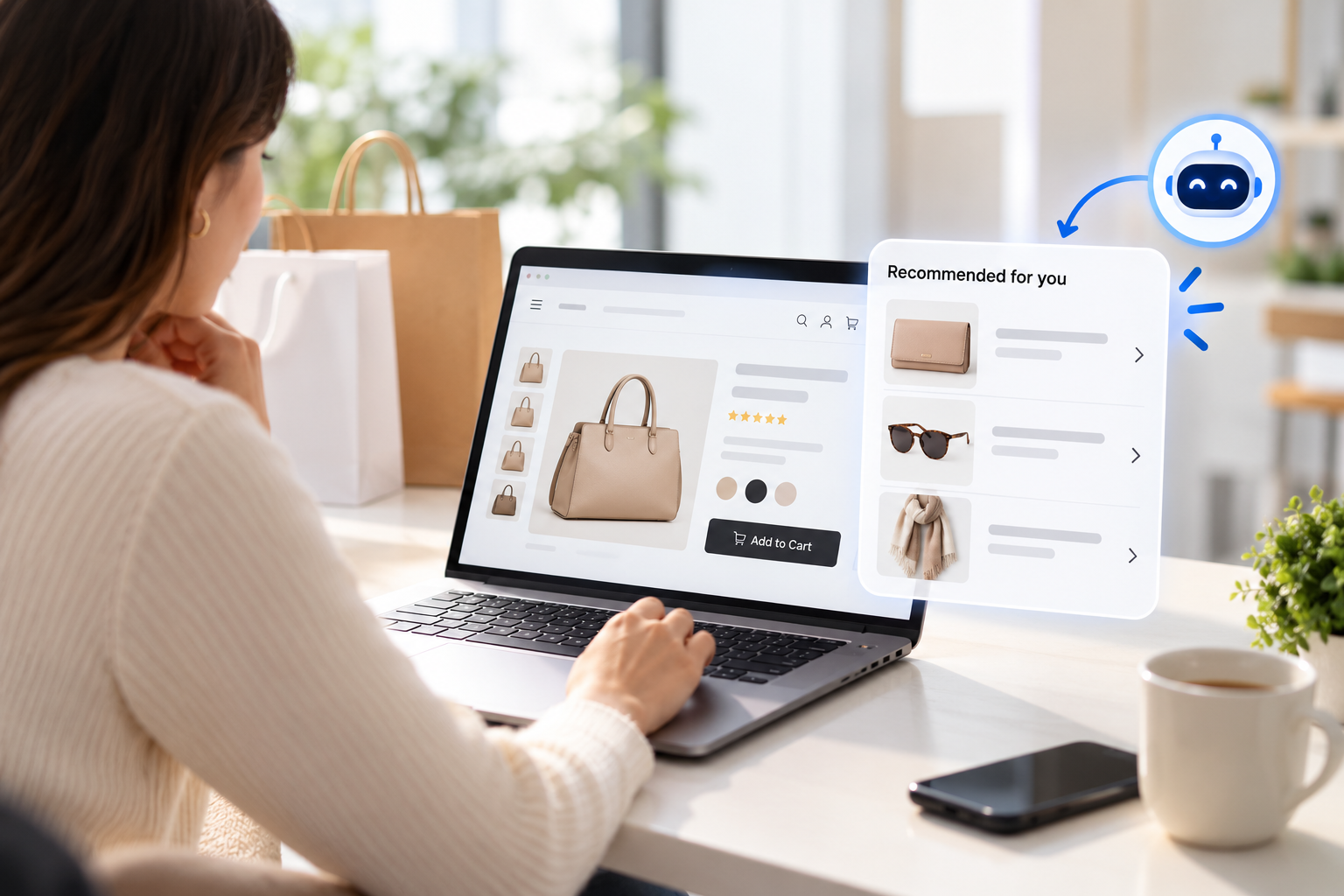
It shows up in several forms:
Product finders and quizzes.
“What kind of skin do you have?” “How often will you ride?”
Interactive buying guides.
Short, catalog-aware guides that compare options in plain language.
Conversational assistants.
A chat-style experience that asks follow-up questions.
B2B selectors.
Step-by-step part or system selection by application, size and spec.
All four share one idea: start from the shopper’s need, not your catalog structure.
AI Search Grader by bCloud AI
Grade your ecommerce search in 10 quick questions
31% of ecommerce searches return zero results — and most shoppers who hit a dead end leave for a competitor. How does your store's search stack up?
Answer 10 short questions and get your AI search score, plus a personalized report to fix the gaps. Free, takes about 2 minutes.
No signup needed to take the quiz.
Understanding intent…
Scoring your answers across relevance, AI, experience, and insights.
Your AI search score is ready
Tell us where to send your personalized report. You'll see your score and recommendations right away.
Your score by pillar
Personalized recommendations
Fix the gaps in weeks, not quarters
bCloud AI replaces keyword-only search with hybrid AI retrieval — sub-200ms responses, 99.99% uptime, and conversion lifts of up to 40% across 50+ implementations.
Why guided selling matters more now
Two shifts make guided selling more valuable than it was a few years ago.
First, buyers want to decide without a salesperson. In a Gartner survey of 646 B2B buyers, 67 percent said they prefer a rep-free buying experience, and 45 percent reported using AI during a recent purchase (Gartner). So the advice a rep used to give now has to live on the website.
Second, catalogs keep growing. More choice is good, until a shopper faces two hundred similar products and no way to tell them apart. Guided selling turns choice back into a benefit.
When guided selling works best, and when it doesn’t
Guided selling is not right for every product or every shopper. Usability research is clear on this point.
Nielsen Norman Group describes a wizard as a step-by-step process where later steps depend on earlier answers. It recommends wizards for novice users and infrequent tasks, and warns that they become annoying for people who repeat a task often or already know the domain well (NN/g).
In ecommerce terms, that means:
Therefore, the best guided selling never blocks the expert. It offers a guided path alongside a fast product search engine, so shoppers who know what they want can skip the questions.
A simple example
Picture a store that sells bikes. A first-time buyer lands on the site and sees 180 models. Instead of browsing, they tap “Help me choose.”
Question 1:
Where will you ride most? They pick “City streets and bike paths.”
Question 2:
How far on a typical ride? They pick “Under 10 miles.”
Question 3:
What is your budget? They pick ”$500 to $900.”
Question 4:
How tall are you? They enter 5 feet 6 inches.
Four taps later, they see three hybrid bikes in the right frame size, in stock, with a one-line reason under each: “Upright position for city riding, fits riders 5’4” to 5’9”.” A clear choice replaces 180 confusing ones.
Notice what made this work. The questions used everyday words. Each answer removed options. And the results explained themselves.
9 essential features of guided selling tools
1. Questions written in the shopper’s language
“Rider height” beats “frame geometry.” Good guided selling tools let you write questions the way customers think, then map answers to technical attributes behind the scenes.
2. Live connection to your catalog
Recommendations must reflect real stock, real prices and current products. A guide built on a spreadsheet goes stale within weeks. Look for direct catalog sync and real-time indexing.
3. Branching logic
Later questions should depend on earlier answers. A shopper who says “commuting” should not be asked about race performance.
4. Smart results, not just filtered results
Weak tools simply apply filters and show whatever matches. Strong tools rank the results, explain why each one fits and handle near misses gracefully when nothing matches every answer.
5. A way out at every step
Shoppers should be able to skip a question, go back or jump straight to results. Forced paths increase abandonment.
6. Natural-language input
Some shoppers would rather type “a quiet dishwasher for a small kitchen” than click through five steps. Tools that combine guided steps with conversational search serve both kinds of shopper.
7. Mobile-first design
Most guided journeys now happen on phones. Large tap targets, one question per screen and fast loading matter. See mobile commerce search.
8. Analytics on every answer
Every answer is market research. Which needs are most common? Where do shoppers drop out? Which answers lead to purchases? Good guided selling tools report all of this. See ecommerce search analytics.
9. Easy editing for non-developers
Merchandisers should be able to change questions, answers and rules without a code release. Otherwise, the guide falls behind the catalog.
Which ecommerce experience tools support hotspots and guided selling?
This is a common question, and the honest answer is that the two features usually come from different kinds of tools.
Hotspots
are clickable points on an image. A shopper taps the lamp in a living-room photo and sees that lamp’s product card. Hotspots are a visual merchandising feature.
Guided selling
is a question-driven recommendation flow. It is a discovery feature.
Here is where each typically lives:
So when you evaluate tools, ask each vendor three direct questions:
Can a hotspot open a product card with live price and stock, or only a static link?
Can the guided flow use your full catalog and rank results, or only filter them?
Can both features share the same product data and analytics?
Some stores use one tool for each job. That works well, as long as both read from the same catalog so prices and availability always match.
How guided selling fits with search and browsing
Guided selling is one of three discovery paths, and the best stores support all three.
When these paths share one product data layer, a shopper can move between them freely. That shared layer is the part of any search engine ecommerce teams should check first. For example, they might start a guide, refine with a search, then filter the results. For the bigger picture, see our guide to choosing a search engine for your ecommerce website and the roundup of the best ecommerce search engine options.
Guided selling for B2B
B2B catalogs are where guided selling often pays most. Professional buyers frequently know the application but not the part number.
A buyer might know the pipe size, pressure and fluid, but not which valve series fits. A guided selector that asks those three questions can narrow thousands of parts to a handful. As a result, the buyer self-serves instead of calling inside sales. See manufacturer search and B2B SKU search.
For configurable B2B products, guided selling often feeds a quoting step. We cover that in CPQ for B2B ecommerce and website product configurator.
How to measure guided selling
Track these before and after launch:
The last metric is often overlooked. A guide that sells the wrong product creates returns. A guide that sells the right one prevents them.
How to build your first guide
Start small. One well-built guide for your most confusing category teaches you more than five rushed ones.
1. Pick the category with the most “which one?” questions.
Your support inbox and search log will tell you.
2. Interview your best salesperson or support agent.
Ask which three questions they always ask first.
3. Map each answer to product attributes.
If an attribute is missing, add it to the catalog first.
4. Launch on one page, then measure for a month.
Check completion and conversion before expanding.
Common guided selling mistakes
Too many questions.
Three to five is usually enough. Every extra step loses shoppers.
Jargon in the questions.
If the shopper needs a glossary, the guide failed.
Static results.
A guide that recommends sold-out products damages trust fast.
No escape hatch.
Experts want to skip straight to search. Let them.
Launching and forgetting.
Products change. Review the guide every quarter.
Where bCloud AI fits
bCloud AI focuses on the discovery side of guided selling. Our Generative Experiences include AI Guides that build interactive buyer’s guides from your existing catalog. Agent Studio supports shopping assistants and size and fit recommenders. Both sit on the same hybrid search and AI recommendations engine, so guides, search and browsing share one product data layer.
The bottom line on guided selling
Guided selling brings the best part of in-store selling online: a few good questions, then a confident recommendation. Done well, it helps first-time and occasional buyers decide faster and return less.
Choose guided selling tools that connect live to your catalog, rank results instead of just filtering them, keep questions short, and always leave a fast path to search. Then measure completion, conversion and returns, and keep the guide current.
Frequently asked questions
What is guided selling in ecommerce?
Guided selling is an online experience that asks shoppers a few questions about their needs, then recommends the products that fit. It works like a knowledgeable salesperson for shoppers who know what they need but not which product to buy.
What are guided selling tools?
Guided selling tools are software that lets a store build product finders, quizzes, interactive buying guides or conversational assistants connected to its catalog, so shoppers get personalized recommendations.
Which ecommerce experience tools support hotspots and guided selling?
Hotspots usually come from visual commerce, shoppable media or page-builder tools, while guided selling usually comes from product finder builders and AI discovery platforms. Some tools offer both, but many stores use one tool for each and connect both to the same catalog.
What is the difference between guided selling and a product configurator?
Guided selling helps shoppers choose which product to buy. A product configurator helps them customize a chosen product’s options, such as size, material or components.
When should a store use guided selling?
For complex, technical or high-consideration products, and for first-time or occasional buyers. For simple products or expert buyers who know the exact item, fast search is usually better.
How many questions should a guided selling flow have?
Usually three to five. Each extra question increases drop-off, so ask only what meaningfully changes the recommendation.
Does guided selling work for B2B?
Yes, often very well. Professional buyers frequently know the application and specifications but not the part number, and a guided selector can narrow large catalogs quickly.
How do I measure guided selling performance?
Track guide start rate, completion rate, click-through on recommendations, conversion of guided sessions and the return rate on guided purchases.
Can guided selling replace site search?
No. Guided selling serves shoppers who need help deciding, while search serves shoppers who already know what they want. The best stores offer both on the same product data.
Turn your catalog into a buying guide.
bCloud AI builds interactive buyer’s guides and shopping assistants from your existing product data, on the same engine as your search. See it working on your catalog.
bcloud.ai