Before you start: define what success means

Pick three to five measurable goals before any work begins. Good examples include:
Cut the zero-result search rate by a set amount
Raise search conversion rate against a holdback group
Reduce search exit rate on mobile
Keep p95 search response time under an agreed threshold
Let merchandisers change rules without engineering tickets
Then record a baseline for each. Without a baseline, there is no lift to report. See search relevance metrics for definitions.
AI Search Grader by bCloud AI
Grade your ecommerce search in 10 quick questions
31% of ecommerce searches return zero results — and most shoppers who hit a dead end leave for a competitor. How does your store's search stack up?
Answer 10 short questions and get your AI search score, plus a personalized report to fix the gaps. Free, takes about 2 minutes.
No signup needed to take the quiz.
Understanding intent…
Scoring your answers across relevance, AI, experience, and insights.
Your AI search score is ready
Tell us where to send your personalized report. You'll see your score and recommendations right away.
Your score by pillar
Personalized recommendations
Fix the gaps in weeks, not quarters
bCloud AI replaces keyword-only search with hybrid AI retrieval — sub-200ms responses, 99.99% uptime, and conversion lifts of up to 40% across 50+ implementations.
Phase 0: run a proof of concept (weeks 0 to 2)
A proof of concept answers one question: does this engine work on our catalog, with our queries? Vendor demos on curated data cannot answer it.
Load your real catalog.
Not a sample. Thin or cleaned-up data flatters every platform.
Bring your own queries.
Use a benchmark of around two hundred real queries: top sellers, zero-result searches, long descriptive queries and exact part numbers.
Score results blind.
Have people rate the top results without knowing which system produced them.
Agree on a decision rule.
For example: proceed if the new engine beats the current one on at least 70 percent of benchmark queries without breaking exact-match searches.
A free trial can serve as a lightweight proof of concept, as long as you test with real data and real queries. Our guide to semantic search optimization platforms includes a full two-week evaluation protocol.
Phase 1: search implementation data readiness (weeks 2 to 4)
This is where most of the real work in any search implementation happens. Search can only be as good as the data behind it.
Map your attributes.
Decide which fields are searchable, which are filterable and which affect ranking. Size, material, compatibility, brand and price usually lead the list.
Fix the obvious gaps.
Normalize values such as colors and units. Pull key specifications out of PDFs and into fields. See product data enrichment.
Connect inventory and pricing.
Decide how fast changes must reach the index. For most stores, near real time is the goal. See real-time indexing.
Choose an integration path.
Platform connectors suit standard storefronts. An API suits headless sites and mobile apps. See integrations and ecommerce search API.
Industry research has shown for years that many ecommerce search problems come from data and interface issues rather than algorithms (Baymard Institute). That is why this phase deserves real time in the plan.
Phase 2: relevance tuning (weeks 4 to 6)
Once the index is live in a staging environment, tune it against your benchmark queries.
Start with retrieval.
Make sure hybrid retrieval handles both exact identifiers and descriptive queries. See what is hybrid search.
Add synonyms from your search log.
Your customers’ own words are the best synonym source you have.
Set merchandising rules.
Boost, bury and pin where the business needs it, but keep the rule set small at first. Too many rules make results hard to explain.
Check the edge cases.
Typos, plurals, abbreviations, brand misspellings and zero-result queries all deserve a pass.
Review the frontend.
Autocomplete, filters and the results layout should be checked on mobile first. See mobile commerce search.
Phase 3: controlled test (weeks 6 to 9)
Now prove the result. Launch the new search to part of your traffic and keep a holdback group on the old experience. This is the step that turns a search implementation from an opinion into evidence.
Run the test long enough to cover normal weekly patterns, usually at least two to three weeks depending on traffic. Compare search conversion, revenue per search session, zero-result rate and exit rate between the groups.
Avoid launching other major changes during the test. A new promotion or redesign at the same time will muddy the result. See A/B testing for ecommerce search.
Phase 4: rollout and optimization (weeks 9 to 13)
If the test meets your success criteria, roll out to all traffic. Then shift from project mode to operating mode.
Set a monthly review.
Look at zero-result queries, low-click queries and new trends in the search log.
Hand over ownership.
A named person in merchandising or ecommerce should own relevance from now on.
Track the revenue line.
Report search revenue alongside other channels. See AI search revenue.
Plan the next layer.
Personalization, recommendations and conversational search build on a working foundation. See vector search personalization.
The 90-day search implementation plan at a glance
Some projects move faster, especially on clean catalogs with standard platforms. Others take longer when data needs heavy work. The sequence matters more than the exact dates.
Budgeting for search implementation
Budgets often cover the platform and forget the work around it. A realistic search implementation budget has four lines.
Platform cost.
Usually usage-based, tied to traffic and catalog size. Model it at next year’s volume, not today’s.
Integration effort.
Developer time for feeds, frontend and testing. Standard platforms with connectors need less; headless stacks and mobile apps need more.
Data work.
Often the largest hidden cost. Attribute mapping, normalization and enrichment take real hours, especially on large catalogs.
Ongoing ownership.
A few hours a month of merchandising time to review the search log and adjust rules. Without it, results drift.
Planning all four up front prevents the most common budget surprise: a platform that is paid for but never fully tuned.
Search implementation by platform
The plan above applies everywhere, but each platform adds its own details.
Shopify and BigCommerce.
Connectors usually handle catalog sync. The main work is attribute mapping and theme integration.
Magento and Adobe Commerce.
Catalogs are often large and highly customized, so data mapping takes longer. Plan extra time for attribute sets.
WooCommerce.
Product data frequently lives in custom fields and plugins. Audit where key attributes are stored before you start.
Headless and mobile apps.
Everything runs through the API, which gives full control over the interface but puts more work on your developers.
Whatever the platform, the search implementation sequence stays the same: prove, prepare, tune, test, then roll out.
7 reasons search implementation projects fail
1. No baseline.
If you did not measure before, you cannot prove improvement after.
2. Thin product data.
No engine can match attributes that do not exist.
3. Pure vector retrieval.
Exact part numbers and model codes stop working, and buyers notice immediately.
4. Too many merchandising rules too early.
Results become unpredictable and hard to debug.
5. No owner after launch.
Relevance drifts as the catalog and seasons change.
6. Testing only on desktop.
Mobile problems appear after launch, when they cost the most.
7. Launching at the wrong time.
A search implementation that goes live just before peak season leaves no room for tuning. Plan around your calendar. See Black Friday search.
Who should be involved in search implementation
Small teams often combine roles. That is fine, as long as each responsibility has a name next to it.
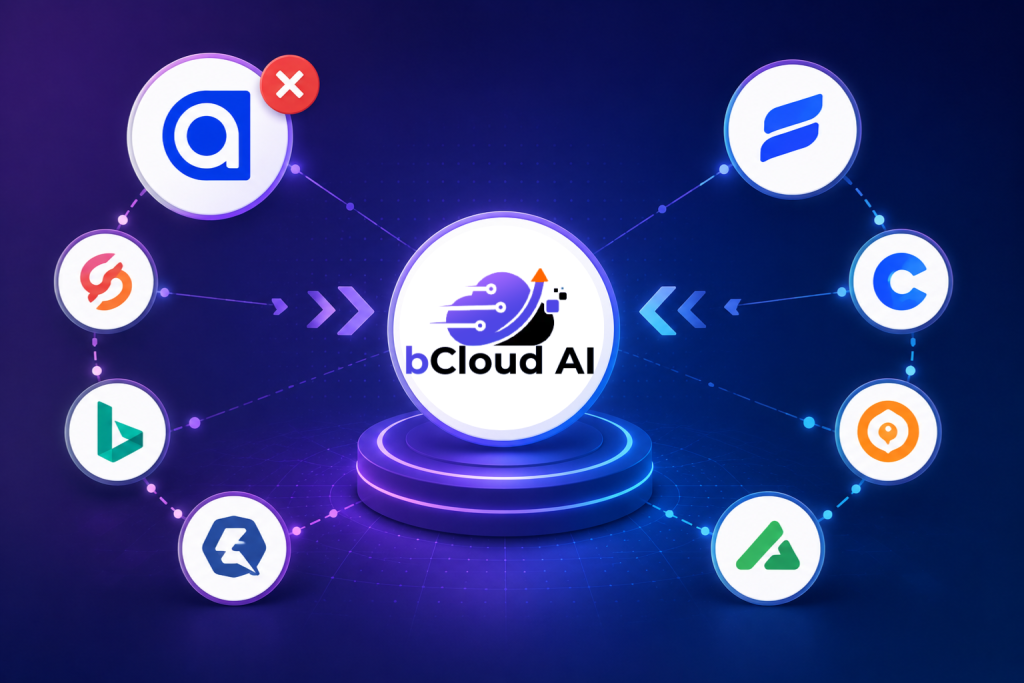
Migrating from an existing search engine
Many teams are not starting from scratch. They are replacing an incumbent engine, which adds a few extra steps to the search implementation plan.
Export your current rules and synonyms.
Years of merchandising decisions live there. Review them before importing, because many will be outdated.
Keep the old engine running during the test.
It becomes your holdback group, which makes the comparison clean.
Map redirects and landing queries.
Some search terms may be hard-coded to landing pages. Make sure they still work after the switch.
Watch analytics continuity.
Search reporting often changes with the engine. Align metric definitions so before-and-after comparisons stay valid.
If you are moving from Algolia specifically, our switch from Algolia guide covers the details.
The forecast: implementation gets faster, data stays the bottleneck
Looking ahead, search implementation will keep getting quicker on the technical side. Connectors, managed infrastructure and better default models reduce setup time.
However, the data work will not disappear. If anything, it grows in importance, because AI assistants and on-site search both read the same catalog. Stores that treat data readiness as an ongoing discipline will implement faster and get more from every upgrade. For the wider picture, see our future of ecommerce forecast.
Structured data deserves a place in that plan too. Valid product markup helps search engines and assistants understand the same catalog your on-site search uses. Google’s Product structured data documentation is the reference to follow.
The bottom line on search implementation
A successful search implementation is mostly planning. Define success, prove the engine on your own data, fix the product data, tune against real queries, test against a holdback and name an owner after launch.
Follow that sequence and the technology tends to deliver. Skip it, and even an excellent platform will look disappointing.
Frequently asked questions
How long does an AI search implementation take?
A typical plan runs about 90 days from proof of concept to full rollout, though clean catalogs on standard platforms can move faster and catalogs needing heavy data work can take longer.
What is a search proof of concept?
It is a short test of a search engine on your real catalog with your real queries, scored against agreed success criteria, before committing to a full rollout.
Is a free trial enough to evaluate AI search?
It can be, if you load your real catalog, test your own benchmark queries and score results blind. A trial with sample data says little about how the engine will perform for you.
What is the hardest part of search implementation?
Usually data readiness: mapping attributes, normalizing values, extracting specifications from documents and connecting live inventory and pricing.
How do I prove the new search works?
Run a controlled test with a holdback group on the old experience, long enough to cover normal weekly patterns, and compare search conversion, revenue per search session, zero-result rate and exit rate.
Do I need to replace my ecommerce platform to implement AI search?
Usually not. AI search typically connects to Shopify, BigCommerce, Magento, WooCommerce or a headless storefront through connectors or an API.
Why do search implementation projects fail?
Common causes include no baseline, thin product data, relying only on vector retrieval, too many early merchandising rules, no owner after launch, desktop-only testing and launching too close to peak season.
Who should own search after launch?
A named person in merchandising or ecommerce operations, supported by developers and analysts, should review search performance monthly and own relevance decisions.
When is the best time to implement new search?
Outside your peak season, with enough time to tune and test before high-traffic periods. Many retailers plan evaluations for January and launches in spring.
Plan your search implementation with us.
Bring your catalog and two hundred real queries. bCloud AI will run a proof of concept on your data, agree success criteria with your team, and map a rollout around your calendar. Most bCloud deployments go live in about four weeks.
bcloud.ai