What a vector database cluster is
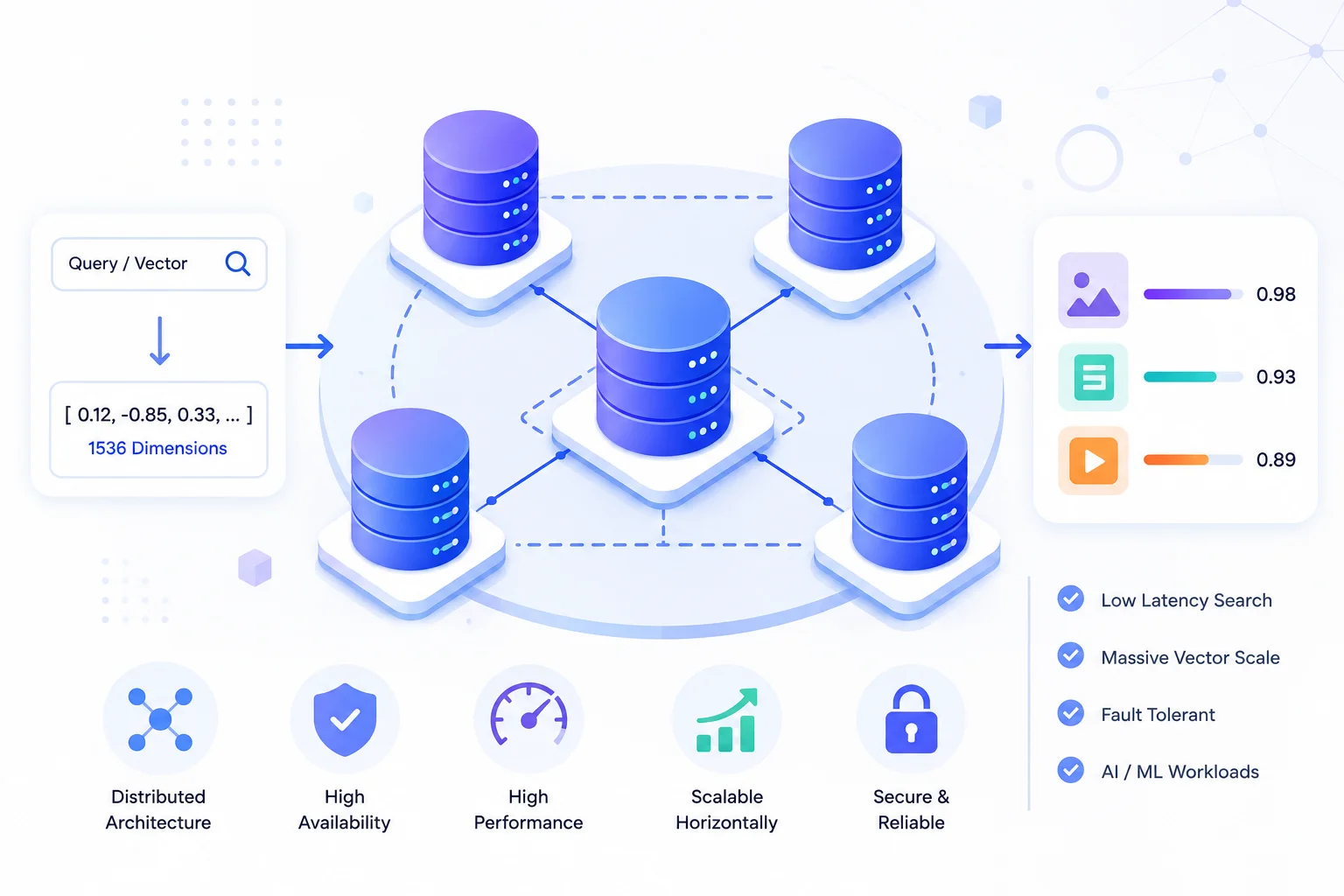
Sharding
splits the data across the vector database cluster. Each shard holds a slice of your vectors, so a collection too large for one machine’s memory spreads across several. This is how you scale capacity — the classic database sharding pattern, applied to embeddings.
Replication
copies the data. Each shard has one or more replicas holding identical vectors, so a node failure doesn’t lose anything and read traffic can spread across copies. This is how you scale availability and throughput.
Most production vector database cluster deployments use both — say, four shards with two replicas each across eight nodes. What makes a vector database cluster distinctive isn’t this structure, which is familiar, but what happens to query correctness when you split an approximate index across machines.
Why vector sharding is different
Here’s the part of vector database cluster design that surprises engineers coming from relational systems.
In a traditional sharded database, you route by key. A query for user_id = 4471 goes to exactly one shard, gets answered, and returns. Sharding is a routing optimization, and the result is identical to what an unsharded database would return.
Vector search has no key to route by. When someone searches “warm waterproof jacket,” the nearest neighbors could live on any shard — you don’t know until you look. So every query fans out to every shard, each runs its own approximate nearest-neighbor search over its local slice, and the coordinator merges the partial results into a final ranked list.
Three consequences follow, and they shape how you operate a vector database cluster.
Query cost scales with shard count.
More shards means more parallel searches per query and more merging work. Beyond a certain point, adding shards makes queries slower rather than faster, because coordination overhead exceeds the parallelism gain.
Recall behaves differently.
Each shard runs its own graph index — usually HNSW, from the foundational paper — over a fraction of the data. Ten shards each returning their local top-10 gives the coordinator 100 candidates to merge, which is generally fine. But shard-local approximation errors compound differently than single-index errors, so measure recall on the clustered configuration, not on your single-node benchmark. Our nearest neighbor search guide covers why recall degrades silently without ever throwing an error.
Tail latency is set by your slowest shard.
Since the coordinator waits for all shards, one slow node — mid-compaction, mid-merge, or noisy neighbor — sets p99 for every query. In a vector database cluster, p99 is a property of the worst node, not the average one.
AI Search Grader by bCloud AI
Grade your ecommerce search in 10 quick questions
31% of ecommerce searches return zero results — and most shoppers who hit a dead end leave for a competitor. How does your store's search stack up?
Answer 10 short questions and get your AI search score, plus a personalized report to fix the gaps. Free, takes about 2 minutes.
No signup needed to take the quiz.
Understanding intent…
Scoring your answers across relevance, AI, experience, and insights.
Your AI search score is ready
Tell us where to send your personalized report. You'll see your score and recommendations right away.
Your score by pillar
Personalized recommendations
Fix the gaps in weeks, not quarters
bCloud AI replaces keyword-only search with hybrid AI retrieval — sub-200ms responses, 99.99% uptime, and conversion lifts of up to 40% across 50+ implementations.
Sizing a vector database cluster
Capacity planning for a vector database cluster is genuinely calculable, which makes it one of the more tractable parts of the job.
Start with raw vector size.
Dimensions × 4 bytes for float32. A 1,024-dimension embedding is about 4KB, so ten million vectors is roughly 40GB before anything else.
Add index overhead.
HNSW graph structures typically add 30–100% on top, depending on your M parameter. That 40GB becomes 55–80GB in practice, and this is the line most capacity plans forget.
Add metadata and payload.
Filterable attributes, IDs, and stored fields all consume memory or disk.
Multiply by replicas.
Two replicas doubles it. Three triples it.
Then leave headroom.
Indexes grow, catalogs expand, and merge operations need working space. Running above roughly 70–80% of available memory is where clusters start behaving unpredictably.
Worked example: 10M vectors at 1,024 dimensions with 2 replicas — 40GB raw, ~70GB with index overhead, 140GB across replicas, and realistically 180–200GB of provisioned memory once headroom is included.
Quantization changes this math substantially. Scalar quantization typically cuts memory around 4× with modest recall loss; binary quantization goes considerably further and pairs with a rescoring pass on full-precision vectors. On a large vector database cluster, quantization strategy is usually the difference between an affordable deployment and an alarming invoice — decide it deliberately rather than discovering it at renewal.
Replication and high availability
Sharding scales a vector database cluster’s capacity; replication keeps it online.
Replica count
determines failure tolerance. One replica per shard survives a single node loss. Two survives two. Most production clusters run two or three, balancing cost against risk.
Read distribution
is the underrated benefit — replicas serve queries in parallel, so replication scales throughput as well as availability. If your bottleneck is query volume rather than data size, adding replicas often helps more than adding shards.
Consistency during writes
deserves attention. When a vector is inserted, replicas must converge. Some systems replicate synchronously (slower writes, consistent reads), others asynchronously (faster writes, brief inconsistency). For ecommerce, the practical question is how long after a price or stock change the update is visible on every replica — which connects directly to the freshness concerns in our real-time indexing guide.
Rebalancing
happens when nodes join or leave, and it’s the operation most likely to cause trouble. Moving vector shards means moving large amounts of data and rebuilding index structures, which competes with query traffic for resources. Ask any platform how rebalancing behaves under load before you need to find out.
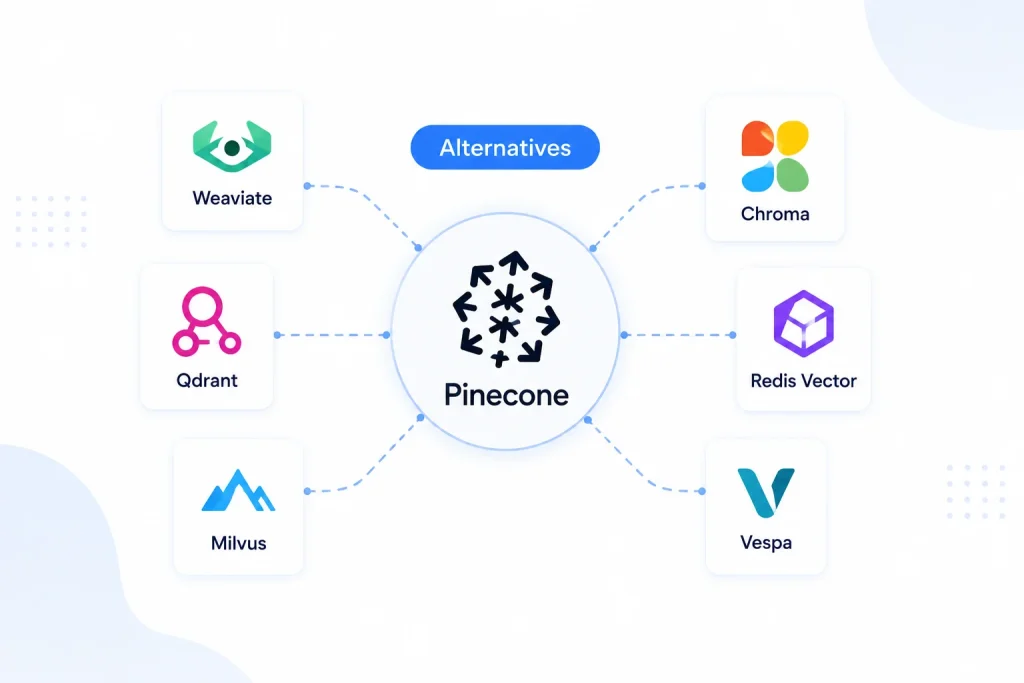
How the platforms handle clustering
Vector database cluster architectures differ meaningfully, and it’s worth knowing which model you’re buying into.
Pinecone
abstracts the cluster away — you choose a scale tier and the service handles sharding, replication, and rebalancing. Least operational burden and least control, which is the right trade for most teams.
Qdrant
offers explicit distributed mode with configurable shards and replicas via Raft consensus. Predictable and well documented, and you own the topology decisions.
Weaviate
supports horizontal scaling with sharding and replication, plus multi-tenancy that isolates tenants into separate shards — genuinely useful if you serve many customers from one deployment.
Milvus
is the most explicitly distributed of the group, separating compute and storage into distinct node types (query, data, index, coordinator). Considerable operational complexity in exchange for genuine billion-scale capability.
Elasticsearch / OpenSearch
apply their existing shard-and-replica model to dense-vector fields, which is a real advantage if you already run and understand an Elastic cluster.
pgvector
doesn’t cluster natively for vector workloads — you’d scale through Postgres replication or an extension like Citus, which works but wasn’t designed for this. Below a few million vectors it rarely matters; above that it becomes the reason teams migrate.
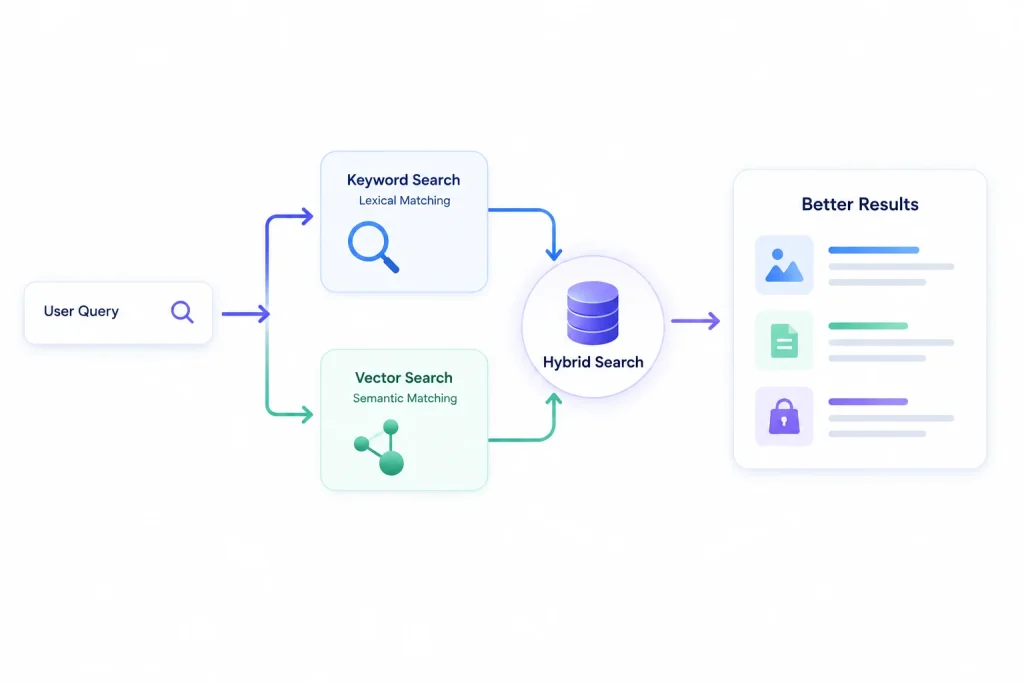
Our vector database comparison covers these platforms on selection criteria beyond clustering, and our hybrid search guide explains why most production clusters also run a lexical index alongside the vector one.
Operating a cluster: what to watch
Five signals separate vector database cluster teams who catch problems early from teams who find out from customers.
Per-node latency, not just cluster average.
Since the slowest shard sets your p99, cluster-wide averages actively hide the problem. Alert on individual node latency — and tie the numbers back to the quality metrics in our search relevance metrics guide, since infrastructure health and result quality are measured separately and both matter.
Memory headroom per node.
Vector clusters degrade sharply rather than gracefully when memory fills. Alert well before capacity, because there’s no gentle slope.
Recall against ground truth.
Run periodic brute-force comparisons on a sample of real queries. Recall drifts as data grows and index parameters stay fixed, and nothing in your monitoring will tell you — results just quietly get worse. This is the single most under-instrumented metric in vector operations.
Indexing lag distribution.
Median and p99 time from write to searchable, especially during bulk imports. Tail lag is where correctness problems hide.
Rebalancing events.
Log them, and correlate with latency spikes. Most mysterious performance incidents in a vector database cluster trace back to a rebalance nobody noticed.
When you don’t need a cluster
Being honest here saves real money, because a vector database cluster is frequently premature.
Under roughly a million vectors,
a single well-provisioned node handles the workload comfortably. Clustering adds operational complexity and failure modes for no capacity benefit.
If your constraint is throughput rather than data size,
replicas alone may solve it without sharding at all — and replicas are far simpler to operate.
If quantization would fit your data on one node,
do that first. Cutting memory 4× is usually cheaper and simpler than distributing across machines, and it’s reversible.
If search isn’t your differentiator,
a managed platform absorbs all of this. That’s the honest calculus for most ecommerce teams: cluster topology, rebalancing behavior, and recall monitoring are specialized, permanent work that rarely differentiates a retail business. bCloud AI’s AI search engine handles the distributed layer entirely — sub-200ms at high SKU counts with real-time indexing — so the engineering question becomes what to build with search rather than how to keep search running. Our AI search for large catalogs guide covers the scale trade-offs, and the top semantic search solutions for e-commerce roundup compares managed options.
The teams who genuinely benefit from running their own vector database cluster are the ones where retrieval architecture is a competitive advantage — marketplaces with unusual ranking requirements, platforms serving vector search as a product, or organizations with data residency constraints that exclude managed services.
Common mistakes
- Building a vector database cluster before quantizing. More nodes when compression would have fit the data on one is the most common premature optimization here.
- Too many shards. Beyond a point, coordination overhead exceeds parallelism gains and queries slow down. Start conservative and add shards when measurement justifies it.
- Benchmarking single-node, then deploying a vector database cluster. Recall and latency both change when you distribute. Test the topology you’ll actually run.
- Forgetting index overhead in capacity plans. Raw vector size undercounts real memory by 30–100%, and it’s the calculation most often done wrong.
- No recall monitoring. Quality degrades silently in a vector database cluster because approximate search never errors — it just returns worse answers.
- Ignoring rebalancing. Node changes trigger data movement that competes with queries. Plan for it, or discover it during peak traffic.
Frequently asked questions
What is a vector database cluster?
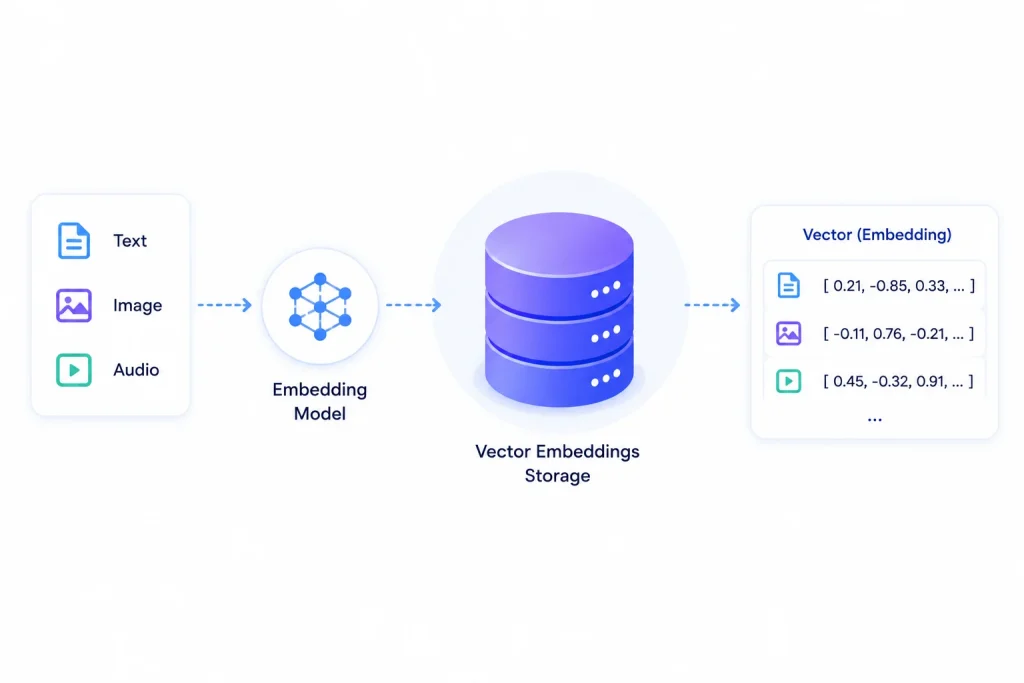
A vector database cluster is a group of nodes that together store an embedding index and serve similarity queries. Sharding splits vectors across nodes to scale capacity beyond one machine’s memory; replication copies each shard to provide fault tolerance and additional read throughput.
How is vector sharding different from normal database sharding?
Traditional sharding routes a query to one shard using a key. Vector search has no key — nearest neighbors could be on any shard — so every query fans out to all shards, each searches its local index, and results are merged. Query cost therefore scales with shard count, and tail latency is set by the slowest node.
How do I size a vector database cluster?
Calculate dimensions × 4 bytes per vector, add 30–100% for HNSW index overhead, add metadata, multiply by replica count, then leave 20–30% headroom. Ten million 1,024-dimension vectors with two replicas realistically needs 180–200GB of provisioned memory before quantization.
How many shards and replicas should I use?
Start with the fewest shards that fit your data in memory with headroom, since extra shards add coordination overhead. Use two or three replicas for production availability. Add replicas for throughput problems and shards for capacity problems — they solve different things.
Does clustering affect search quality?
It can. Each shard runs its own approximate index over a fraction of the data, so recall behaves differently than on a single index. Always measure recall against brute-force ground truth on the clustered configuration rather than assuming single-node benchmarks transfer.
When do I actually need a cluster?
Generally above a few million vectors, or when you need high availability, or when query throughput exceeds one node’s capacity. Below roughly a million vectors a single well-provisioned node is usually sufficient — and quantization often defers clustering entirely by cutting memory several-fold.
Skip the cluster entirely.
bCloud AI runs the distributed vector layer for you — sharding, replication, and recall monitoring included, sub-200ms at millions of products.
bcloud.ai