
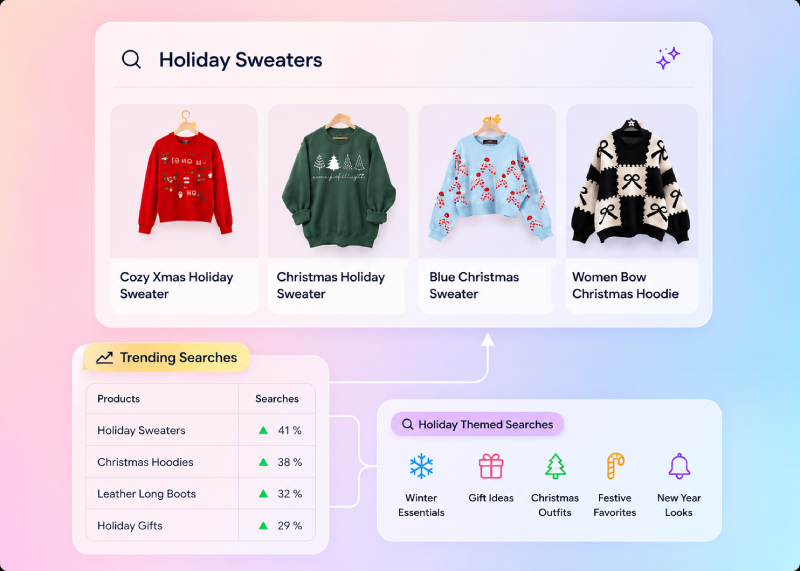
AI Search BigCommerce: The Complete Integration & Deployment Guide
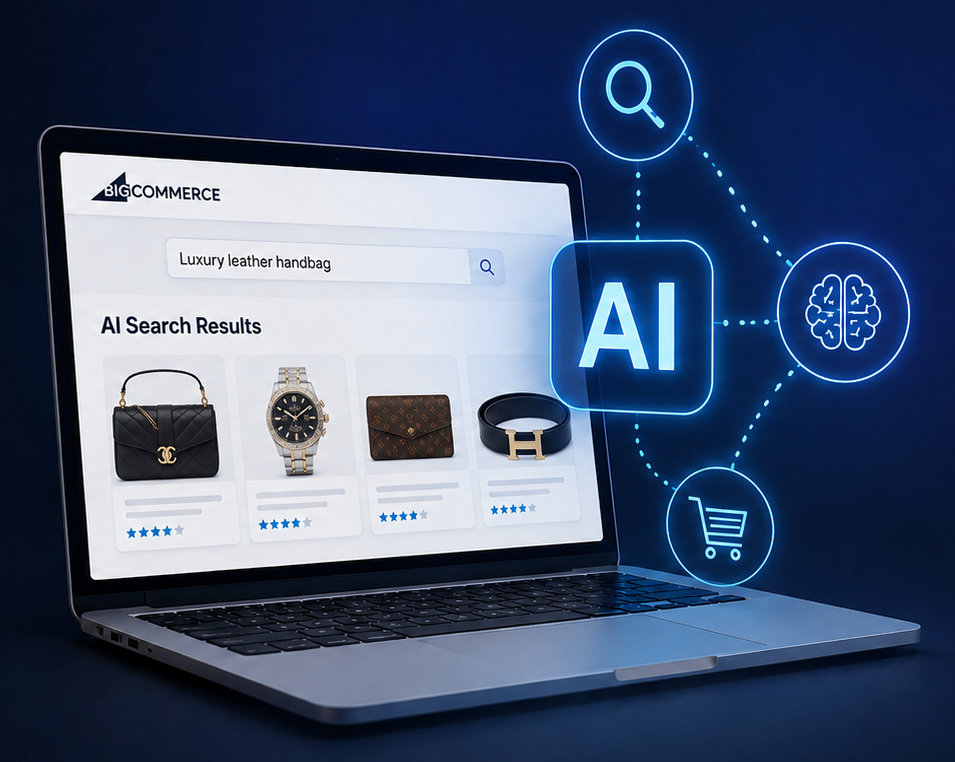
Why BigCommerce native search isn't enough in 2026
Long-tail descriptive queries
"Comfortable walking shoes for travel" returns nothing or irrelevant results because no product is literally tagged that way.
Multi-attribute reasoning
"Running shoes under $100 for flat feet" is parsed as a flat keyword string rather than three orthogonal constraints.
Synonym handling
Native synonym dictionaries require manual maintenance. New product types and trending terms require ongoing curation.
The two integration paths for AI search on BigCommerce
Path 1: BigCommerce Apps Marketplace
The fastest path. The BigCommerce Apps Marketplace lists pre-built AI search applications that install with one click. Examples include Searchspring, Klevu, Algolia, bCloud AI, and several others. These apps:
- Auto-sync your product catalog via the BigCommerce Catalog API
- Replace or augment the default search frontend with a JavaScript widget
- Provide a dashboard for merchandising controls (pin, boost, bury)
- Expose analytics on query volume, zero-results rate, and conversion
- Handle re-indexing automatically as products change
Path 2: Custom integration via BigCommerce APIs
For stores with specific requirements, custom integration uses three BigCommerce APIs:
- Catalog API. Pulls product, variant, category, and inventory data into the AI search platform's index.
- Webhooks. Real-time notification of catalog changes triggers incremental re-indexing.
- Storefront APIs / Stencil. Custom JavaScript renders the AI search UI in place of native search.
The technology stack underneath
Capability
Native BigCommerce
AI search
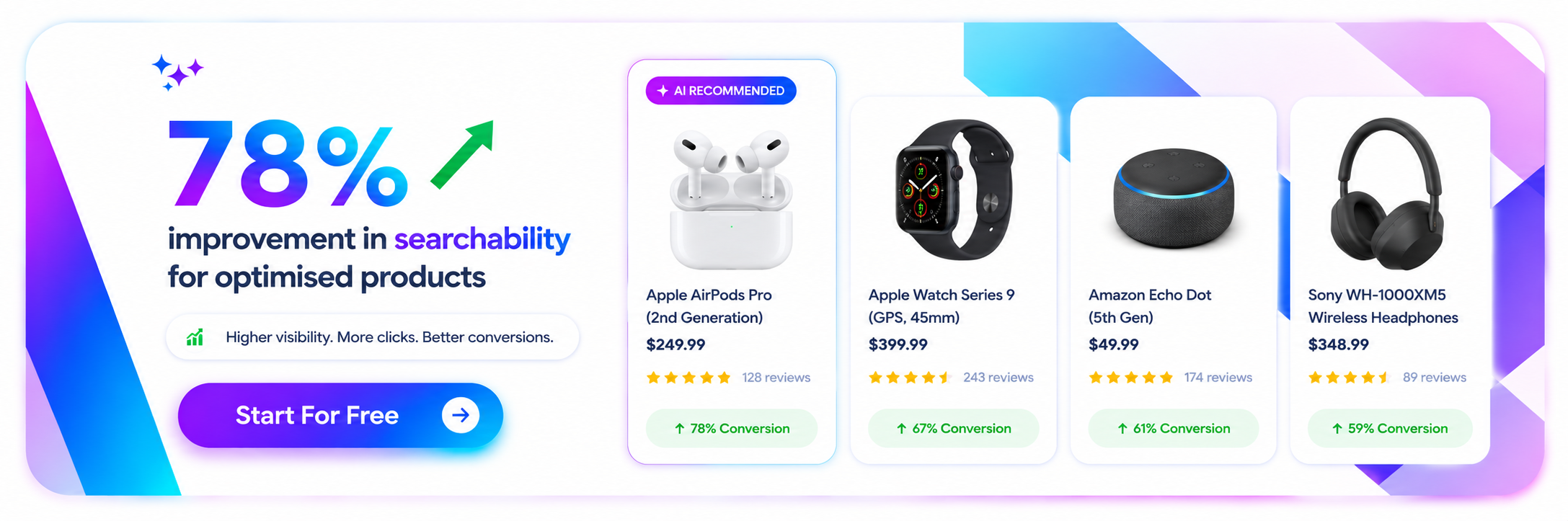
How to deploy natural language search on your storefront
Initial catalog sync
The AI search platform connects to the BigCommerce Catalog API. and pulls every product, variant, category, image, attribute, and inventory record. This typically takes 30 minutes to a few hours depending on catalog size.
Embedding pipeline
Each product is run through an embedding model that produces a numerical vector representing its meaning. Vectors are stored in a vector index.
Webhook subscription
The platform subscribes to BigCommerce webhooks for product creation, update, and deletion events. Changes trigger incremental re-indexing.
Frontend replacement
The native BigCommerce search bar and results page are replaced by the AI search platform's JavaScript widget, which sends queries to the search API and renders results in real time.
Analytics feedback loop
Click-through rate, conversion rate, and behavioral signals from the BigCommerce store flow back into the AI search platform to continuously refine ranking.
Advantages of natural language search
BigCommerce-specific implementation considerations
Stencil theme integration
BigCommerce stores running Stencil themes can integrate AI search via the storefront's JavaScript layer without touching theme handlebars. Most marketplace apps render their widgets through script injection, leaving the rest of the theme untouched.
01
02
Custom storefronts (Catalyst, headless React)
BigCommerce's headless commerce (Catalyst, custom storefronts) integrates AI search at the React/Next.js layer using the platform's JavaScript SDK. The same backend powers both Stencil and headless deployments.
Multi-storefront deployments
BigCommerce Enterprise customers running multiple storefronts can deploy a shared AI search index across stores or maintain separate indexes per storefront. Most AI-native platforms support both topologies natively.
03
04
Channels and marketplace integrations
Products synced to BigCommerce from channels (Amazon, Walmart, etc.) flow into the AI search index automatically. The platform's catalog API exposes the same product data regardless of source.
Tactical tip
Before you commit to any AI search vendor, request a 30-day pilot on a subset of your BigCommerce catalog. Compare conversion lift, zero-results rate, and merchandiser usability against your current search. The platforms that consistently win on real catalogs are the ones that ship hybrid retrieval, real-time sync, and visual merchandising as defaults.
The technology stack underneath
Metric
Typical lift
What's coming next
Skipping webhook configuration
Apps that batch-sync nightly miss inventory updates, leading to "in-stock" labels on items that just sold out. Always verify real-time sync.
Ignoring variant handling
BigCommerce variants share parent product IDs but have unique SKUs. AI search platforms must handle this hierarchy correctly.
Forgetting analytics tagging
Adding the AI search widget without GA4/conversion tracking breaks attribution. Most apps inject events automatically — verify in GTM.
Channel-specific data
Products listed in BigCommerce Channels may have channel-specific overrides. Confirm the AI search platform respects channel context.
Custom catalog fields
If you use BigCommerce custom fields for product attributes, ensure the AI search platform reads them. Some apps only sync standard fields by default.
The deployment playbook for AI search on BigCommerce
Week 1: Audit and platform selection
Pull the last 30 days of search analytics from your BigCommerce admin. Calculate zero-results rate, top 100 queries, and queries with no purchases. Shortlist 2–3 AI search platforms based on the criteria above.
Week 2: Pilot deployment
Install the chosen platform's BigCommerce app or set up the API integration. Sync a subset of catalog (or full catalog if small). Configure basic merchandising rules — pin top sellers, bury out-of-stock.
Week 3: A/B testing
Run AI search at 50% traffic split alongside native search. Measure conversion rate, AOV, search abandonment, and zero-results rate over a minimum 14-day window for statistical significance.
Week 4: Full rollout and tuning
Promote AI search to 100% traffic. Tune merchandising rules based on observed query patterns. Iterate on placeholder copy and intent suggestions in the search bar.
Related posts
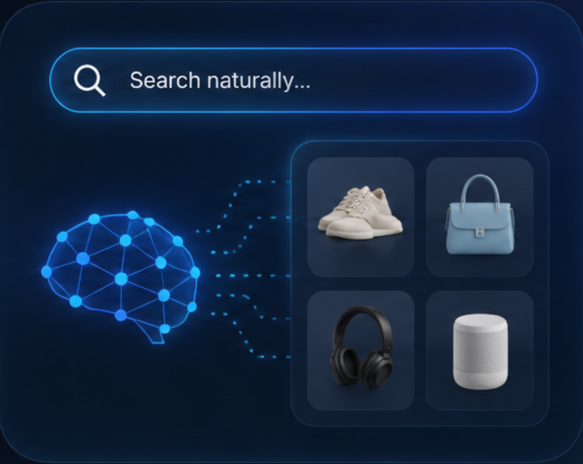
Semantic Search Product Catalog
Semantic search applied to a product catalog is a retrieval system that understands shopper intent rather than matching keywords.
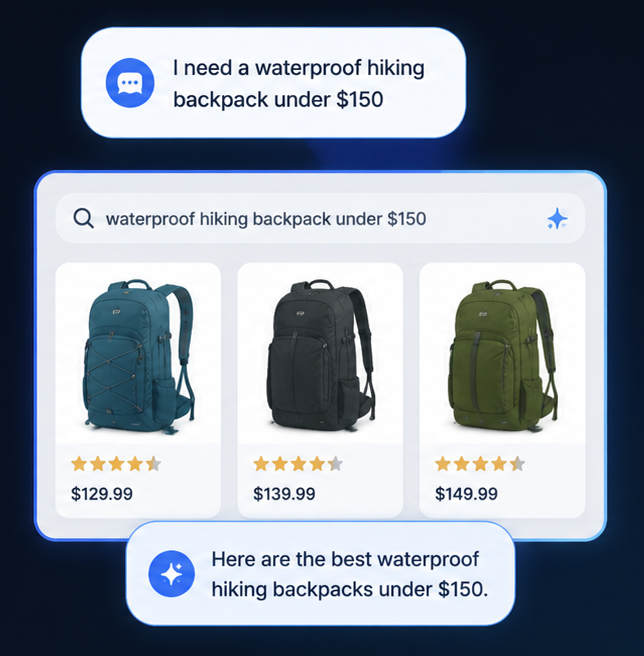
Natural Language Product Search
Natural language product search lets shoppers describe what they want in conversational language and returns relevant products.

AI Search
Surface exactly the right results every time with search technology that grasps intent, context, and meaning — so shoppers find what they need without friction.
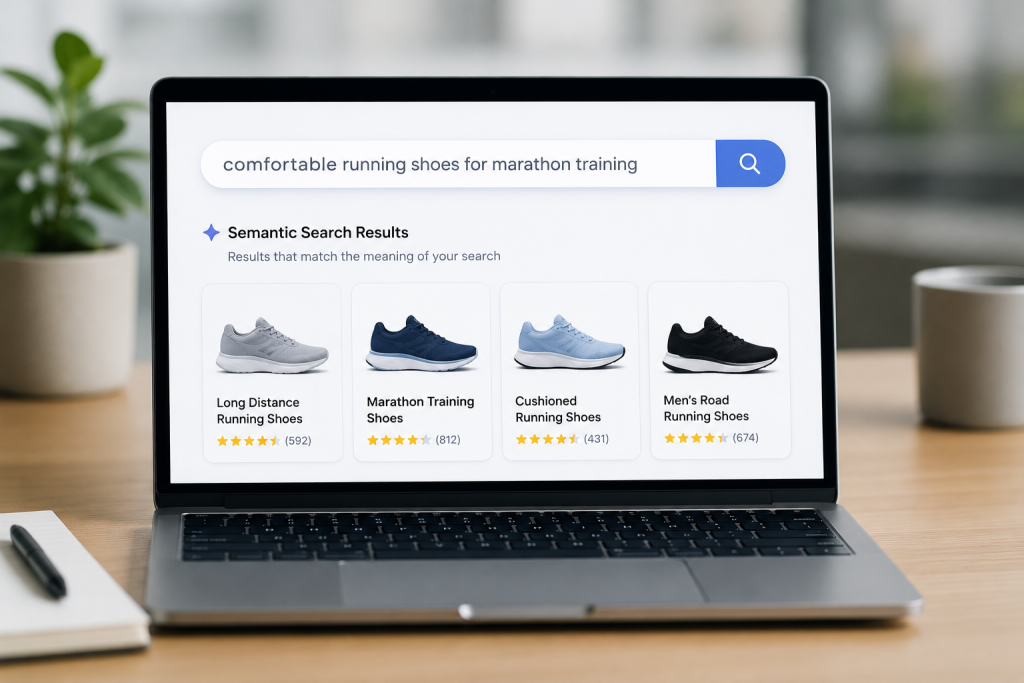
Semantic Search: Understanding Meaning, Not Just Keywords
Semantic search can find results that don’t use your exact terminology but address your actual need.
Switch from hawksearch
Hawksearch is built on keyword matching and manual rules—technology from 2015. bcloud AI is built on vector embeddings and LLMs—technology from 2025.
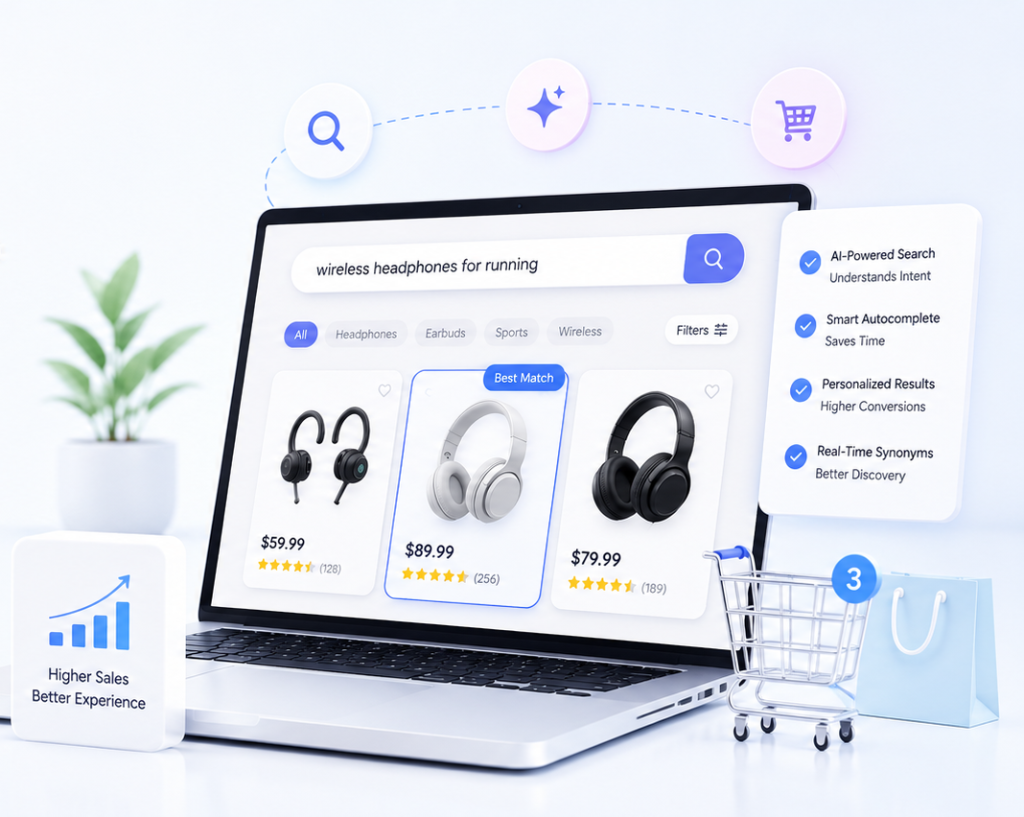
E-Commerce Search Engine
E-commerce search engine makes all the difference between a sale and an abandoned cart.
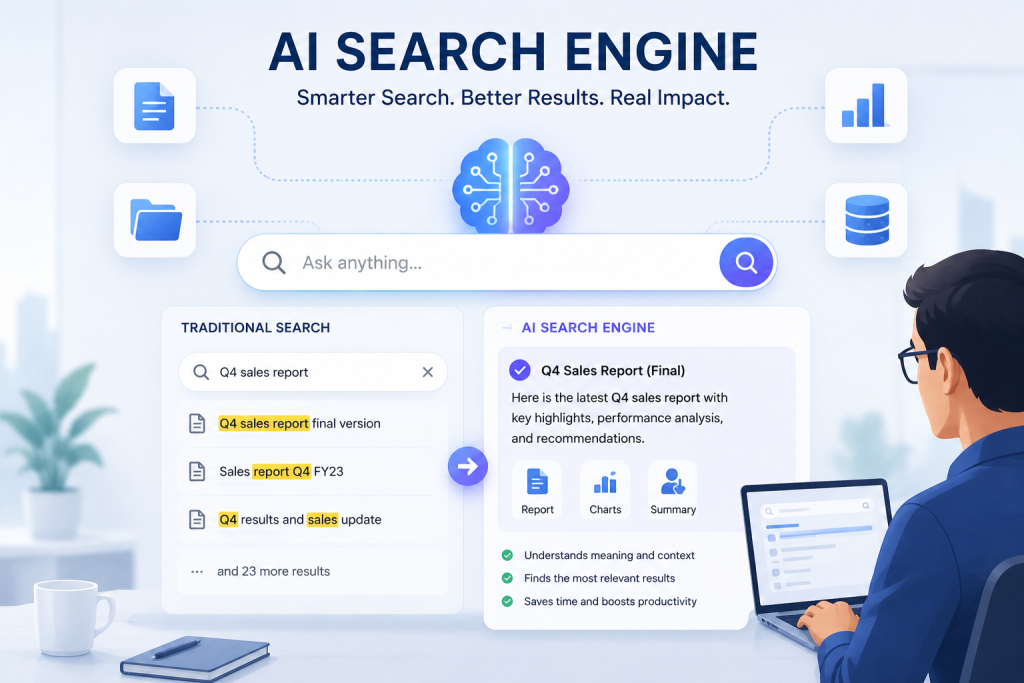
AI Search Engine: Complete Implementation Guide
An AI search engine represents one of the most transformative technologies available to modern organizations.
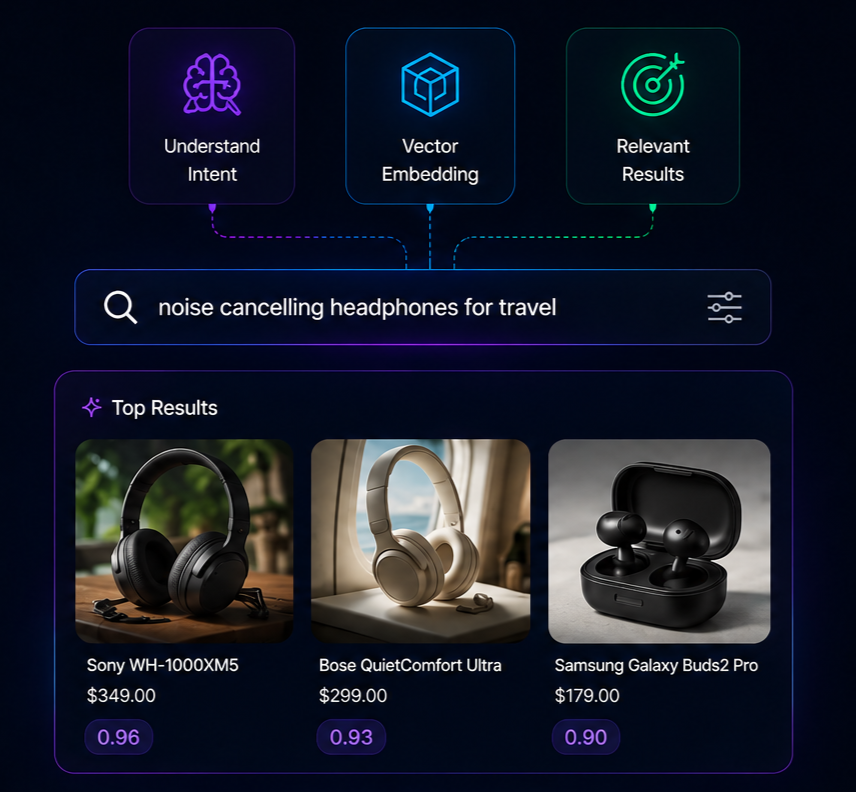
Vector Search Ecommerce
Vector search in ecommerce is a retrieval method that converts shopper queries and product catalogs into high-dimensional numerical vectors .
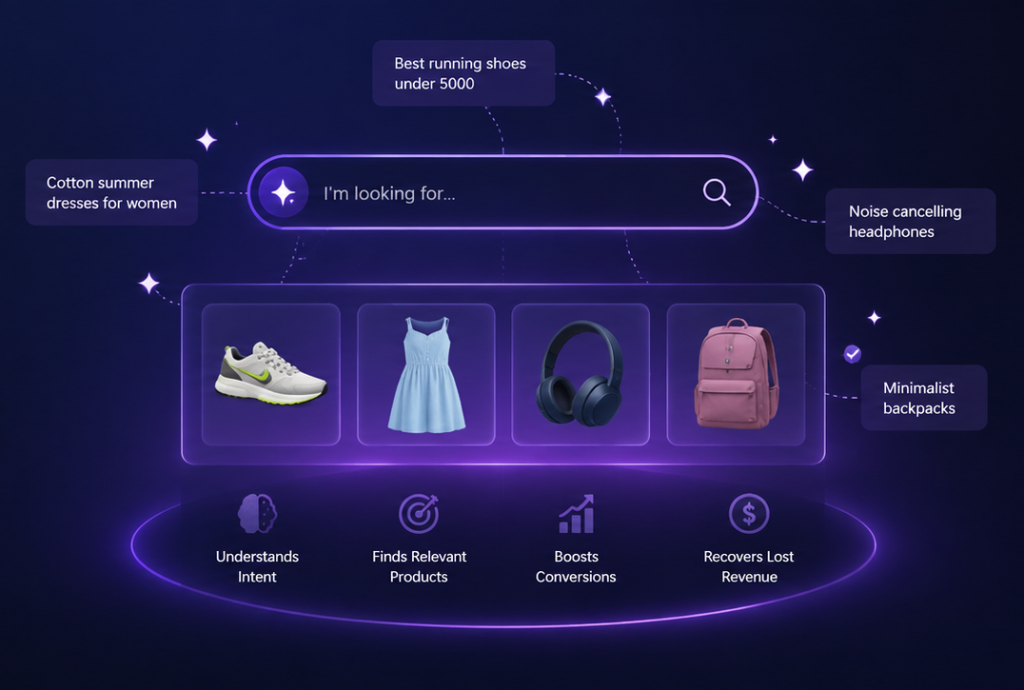
AI Product Search
It understands shopper intent instead of relying on exact keywords — helping ecommerce brands recover lost traffic, improve relevance, and increase conversion rates by 30–50%.

Integrations
Eliminate silos. Automate workflows. Connect Shopify, Salesforce, Adobe Commerce and more — all in one cloud-native platform built for modern commerce.
Search That Understands What Shoppers Mean
Introduction
Running a store on BigCommerce means competing for shoppers who expect to find what they want in seconds. That's where bCloud AI AI Search BigCommerce . integration changes the game. Instead of relying on rigid keyword matching that misses relevant products, bCloud AI brings true semantic intelligence to your storefront's search bar. Our AI Search BigCommerce solution understands what your customers actually mean — not just the exact words they type — so a shopper searching for "comfy shoes for standing all day" still lands on the right pair, even when your product title reads "memory-foam work sneaker."
Benefits
The business impact of AI Search BigCommerce is measured in the metrics that matter most to online retailers. Stores that upgrade to bCloud AI intelligent search see fewer dead-end "no results found" pages, higher conversion rates, and a noticeable lift in average order value. Because AI Search BigCommerce surfaces the most relevant products instantly, your highest-intent shoppers stay on your store instead of bouncing to a competitor. You're not spending another dollar on ads — you're simply converting the traffic you already have, turning frustrated searches into completed purchases.
How It Works
Setting up AI Search BigCommerce with bCloud AI is refreshingly simple. Our platform syncs directly with your BigCommerce catalog, automatically reading and enriching every product's titles, descriptions, and attributes. From there, bCloud AI converts your catalog into semantic embeddings that capture meaning, then pairs keyword precision with vector search to return results in under 200 milliseconds. The AI Search BigCommerce engine also handles typos, synonyms, and natural-language queries out of the box, and it keeps getting smarter as it learns from how your shoppers click and buy.
Call to Action
If your BigCommerce store still runs on default search, you're leaving revenue on the table every single day. bCloud AI Search BigCommerce integration is built to fix that — combining enterprise-grade speed, semantic understanding, and merchandising controls in one easy-to-deploy package. See why growing retailers trust bCloud AI to power their product discovery, and book a quick demo to watch AI Search BigCommerce transform your storefront in real time. Smarter search, happier shoppers, and stronger sales are only a few clicks away.
Frequently asked questions
What is AI search for BigCommerce?.
How long does deployment take?
Will it slow down my BigCommerce store?
Does it work with custom Stencil themes?
Can I run AI search alongside BigCommerce native search?
What pricing should I expect?